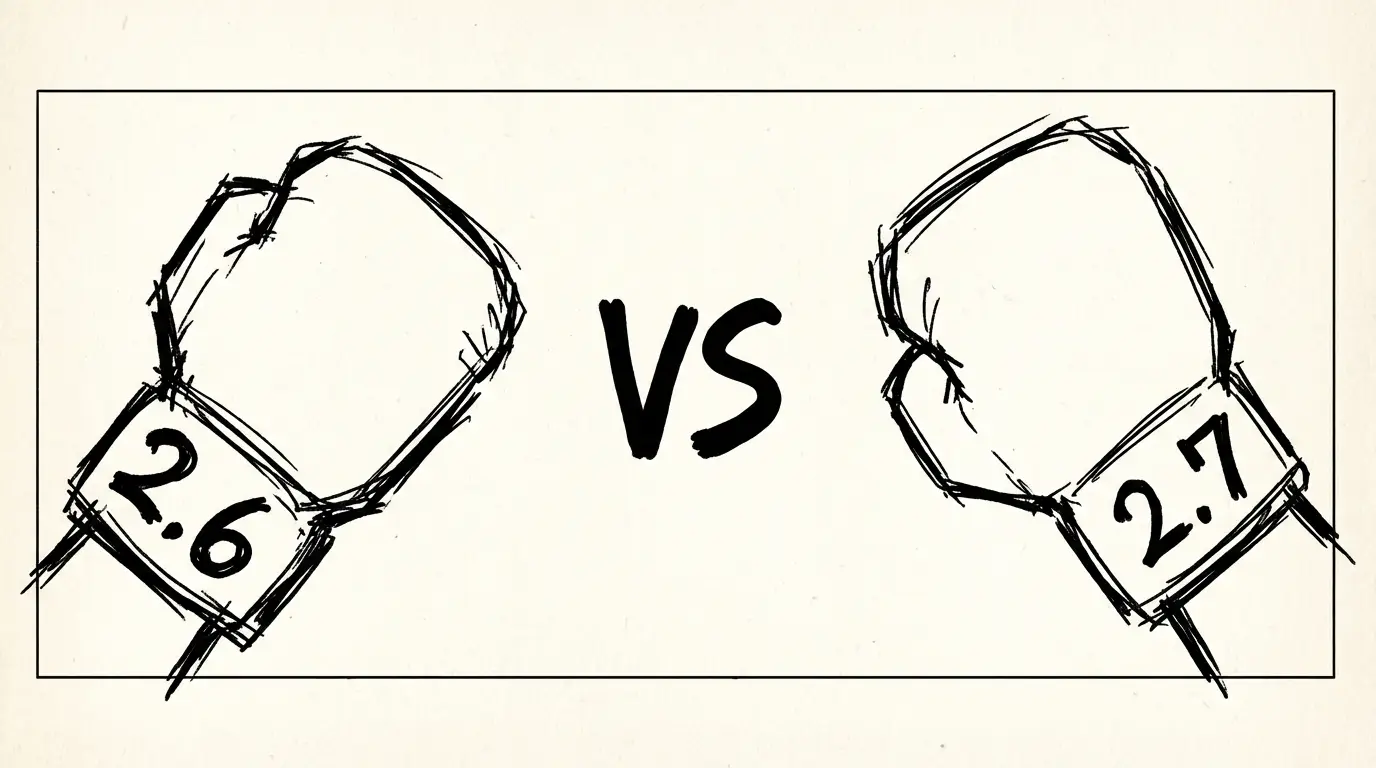
Wan 2.7 vs Wan 2.6: What Actually Changed
Wan 2.7 adds first/last frame control, 9-grid image input, multi-reference video, and instruction editing that Wan 2.6 didn't have. Here's a practical breakdown of what changed and when to use each.
TL;DR — 5 things that changed
- ✅ Wan 2.7 adds first/last frame control (FLF2V) — not in 2.6
- ✅ Wan 2.7 supports up to 5 reference video inputs — 2.6 had no multi-reference input
- ✅ Wan 2.7 adds 9-grid image input — 2.6 used single-image reference
- ✅ Wan 2.7 adds instruction-based video editing — edit existing clips without full regeneration
- ✅ Wan 2.7 maximum duration is 15 seconds — Wan 2.6 was capped at approximately 5 seconds
What Is the Main Difference Between Wan 2.7 and Wan 2.6?
Wan 2.7 adds first/last frame control (FLF2V), multi-reference video input (up to 5 clips), instruction-based video editing, and 9-grid image input — none of which exist in Wan 2.6. The maximum clip duration also increases from approximately 5 seconds to 15 seconds. Wan 2.6 remains the better option only when confirmed open-source self-hosting is required today.
Quick Spec Comparison
| Feature | Wan 2.6 | Wan 2.7 |
|---|---|---|
| Architecture | Diffusion Transformer | Diffusion Transformer + Flow Matching |
| Max duration | ~5 seconds | 15 seconds |
| Max resolution | 1080P | 1080P |
| Aspect ratios | 16:9, 9:16, 1:1 | 16:9, 9:16, 1:1 |
| Text-to-video | ✅ | ✅ |
| Image-to-video | ✅ | ✅ |
| First/last frame control | ❌ | ✅ |
| Multi-reference video (up to 5) | ❌ | ✅ |
| 9-grid image input | ❌ | ✅ |
| Instruction-based editing | ❌ | ✅ |
| Multi-language lip sync | ❌ | ✅ |
| Open source | Apache 2.0 (confirmed) | Planned (status pending) |
| API access | Various third-party APIs | WaveSpeedAI, DashScope |
New in Wan 2.7 (That Wan 2.6 Didn't Have)
These are the additions that make Wan 2.7 a substantive upgrade rather than a minor refinement.
First / Last Frame Control
This is the headline feature. FLF2V (First-Last Frame to Video) lets you define both the opening frame and the closing frame of a clip. The model generates everything in between.
Why this matters: In Wan 2.6, you could give a text prompt or a starting image, and the model would generate motion — but you had no control over where the shot ended up. With FLF2V, you set both endpoints. This is useful when:
- You need a product shot to start and end at specific angles
- You're animating a character through a prescribed arc
- You're building a transition between two approved compositions
This feature alone moves Wan 2.7 from a generative tool into something closer to a directed animation tool.
Multi-Reference Video Input (Up to 5)
Wan 2.6 could reference a single image as a starting point for image-to-video generation. Wan 2.7 accepts up to 5 reference videos simultaneously. The model reads across all references to infer character appearance, motion style, and environment context.
Why this matters: Single-image reference is limited. A subject photographed from one angle may not hold consistency when the camera moves. Providing 5 reference videos — from different angles, in different poses, in different lighting — gives the model substantially more to work with for maintaining visual consistency across a generated clip.
For brands or agencies working with recurring characters or product assets, this is a meaningful practical improvement.
9-Grid Image Input
The 9-grid accepts nine images arranged in a 3×3 grid as a single input. The model processes all nine frames together to understand a subject or environment from multiple perspectives.
Why this matters: A single reference photo captures one viewpoint. Nine captures a 360-degree sense of the subject. This is particularly useful for character consistency and for environment definition where spatial understanding from a single frame is insufficient.
Instruction-Based Video Editing
Given an existing video clip, Wan 2.7 can apply natural language instructions to modify it. Examples: change the background from white to dark wood, change the jacket color from red to navy, make the lighting warmer, add rain to the environment.
Why this matters: In Wan 2.6, if a generated clip was 90% right but needed one change, the option was to re-prompt and regenerate entirely — consuming time and cost. Instruction-based editing makes targeted revisions possible without full regeneration. This is a standard capability in image generation tools, and Wan 2.7 brings it to video.
Maximum Duration: 15 Seconds
Wan 2.6 topped out at approximately 5 seconds. Wan 2.7 extends this to 15 seconds. Three times the duration changes what the model is capable of producing in a single generation: a full product demonstration, a complete short scene, or a multi-beat narrative moment.
For a 5-second clip, the comparison is neutral — both models can generate it. For anything beyond 5 seconds, Wan 2.7 is the only option between the two.
When to Still Use Wan 2.6
Wan 2.7 is the better model by specification. But Wan 2.6 has practical advantages in some situations:
Open-source availability. Wan 2.1 (the basis for the 2.x line) was fully open source under Apache 2.0. If your workflow requires local execution, self-hosting, or integration into an offline pipeline, Wan 2.6 models in the open-source Apache 2.0 line are available and well-documented. Wan 2.7's open-source status was pending at launch.
Established API integrations. Wan 2.6 has been available via third-party APIs for longer. If your toolchain is already connected to a provider serving Wan 2.6, switching requires testing the new integration.
Simple T2V and I2V tasks. If your use case is straightforward text-to-video or image-to-video with clips under 5 seconds, Wan 2.6 does the job. The new Wan 2.7 features are irrelevant for simple generation tasks.
Cost uncertainty. Wan 2.7 pricing on WaveSpeedAI and DashScope should be verified at those platforms. For high-volume batch work, pricing per second may differ between the two versions — check before committing.
Decision Table
| Scenario | Use |
|---|---|
| Need clips longer than 5 seconds | Wan 2.7 |
| Need first/last frame control | Wan 2.7 |
| Character consistency across shots (multi-reference) | Wan 2.7 |
| Editing existing clips without full regeneration | Wan 2.7 |
| Clip is 5 seconds or shorter, simple T2V | Either — Wan 2.7 preferred |
| Need local / self-hosted execution today | Wan 2.6 (open source confirmed) |
| Already on a stable Wan 2.6 pipeline, no migration budget | Wan 2.6 |
Key Takeaway
Wan 2.7 is a substantive upgrade over Wan 2.6 — not an incremental patch. First/last frame control, multi-reference video input, instruction editing, and 3× the maximum duration are capabilities that Wan 2.6 simply does not have.
- Use Wan 2.7 if: your workflow involves clips longer than 5 seconds, you need precise start/end composition control (FLF2V), or you need to edit generated clips without full regeneration
- Stick with Wan 2.6 if: you need confirmed open-source/self-hosted execution today, or your existing Wan 2.6 API integration is stable and migration cost is not justified
Conclusion
Wan 2.7 is a major version upgrade. First/last frame control, multi-reference video input, 9-grid image input, instruction editing, and 15-second duration are all capabilities that Wan 2.6 does not have. For most new production work, Wan 2.7 is the right choice.
The exceptions are situations where open-source, self-hosted execution is a requirement (Wan 2.6 in the Apache 2.0 line is available today; Wan 2.7's open-source status is pending), or where an existing Wan 2.6 integration is stable and migration cost exceeds the benefit.
→ Try Wan 2.7 on NanoBanana — text-to-video and image-to-video, no API setup required.
Related Reading
- Wan 2.7 Full Overview — Specs, use cases, and how it compares to Veo 3.1 Lite and PixVerse V6
- PixVerse V6 vs V5.6 — Similar version-comparison format for PixVerse's latest upgrade
FAQ
Disclosure
Feature comparisons are based on Alibaba Tongyi Lab's official Wan 2.7 release materials (March 2026) and publicly available information about Wan 2.6. Pricing comparisons use relative language because Wan 2.7 official pricing had not been confirmed at time of writing — verify current rates at wavespeed.ai and Alibaba Cloud DashScope before making production decisions.
Author

Categories
More Posts

Google Veo 3.1 Lite: Half the Cost of Veo 3.1 Fast, Same Speed
Google launched Veo 3.1 Lite on March 31, 2026 — the most affordable model in the Veo family at $0.05/sec for 720p. Here's what it can do, what it can't, and whether it's right for your workflow.
Veo 3.1 Lite Prompt Guide: 20+ Ready-to-Use Prompts for Cinematic AI Video
Learn exactly how to prompt Veo 3.1 Lite for cinematic results. Covers shot types, camera movement, audio, and 20+ copy-paste prompts across genres — no fluff.

AI Image Agent: Generate One Image or a Hundred — Without Switching Tools
NanoBanana's AI Image Agent handles everything from single concept images to batch style transfers in one conversation. No prompt engineering required.