Google Veo 3.1 Lite: Half the Cost of Veo 3.1 Fast, Same Speed
Google launched Veo 3.1 Lite on March 31, 2026 — the most affordable model in the Veo family at $0.05/sec for 720p. Here's what it can do, what it can't, and whether it's right for your workflow.
TL;DR
Veo 3.1 Lite is the most cost-efficient entry point to Google's video generation architecture — $0.05/second at 720p, less than half the price of Veo 3.1 Fast, with native audio included by default.
- ✅ Use it if: you need audio-included output, you're cost-sensitive, or your clips are 8 seconds or under
- ❌ Skip it if: you need 4K, clip Extension, parameterized camera controls, or clips longer than 8 seconds
- Supports Text-to-Video and Image-to-Video · 4s / 6s / 8s · 16:9 and 9:16 · Same speed as Veo 3.1 Fast
How Does Veo 3.1 Lite Compare to Veo 3.1 Fast?
Veo 3.1 Lite costs $0.05/second at 720p — less than half the price of Veo 3.1 Fast at $0.10/second — and runs at the same generation speed on the same Diffusion Transformer architecture. The tradeoffs: Lite is capped at 8 seconds with no clip Extension and no 4K, while Fast supports longer clips and higher resolution tiers.
What Is Veo 3.1 Lite?
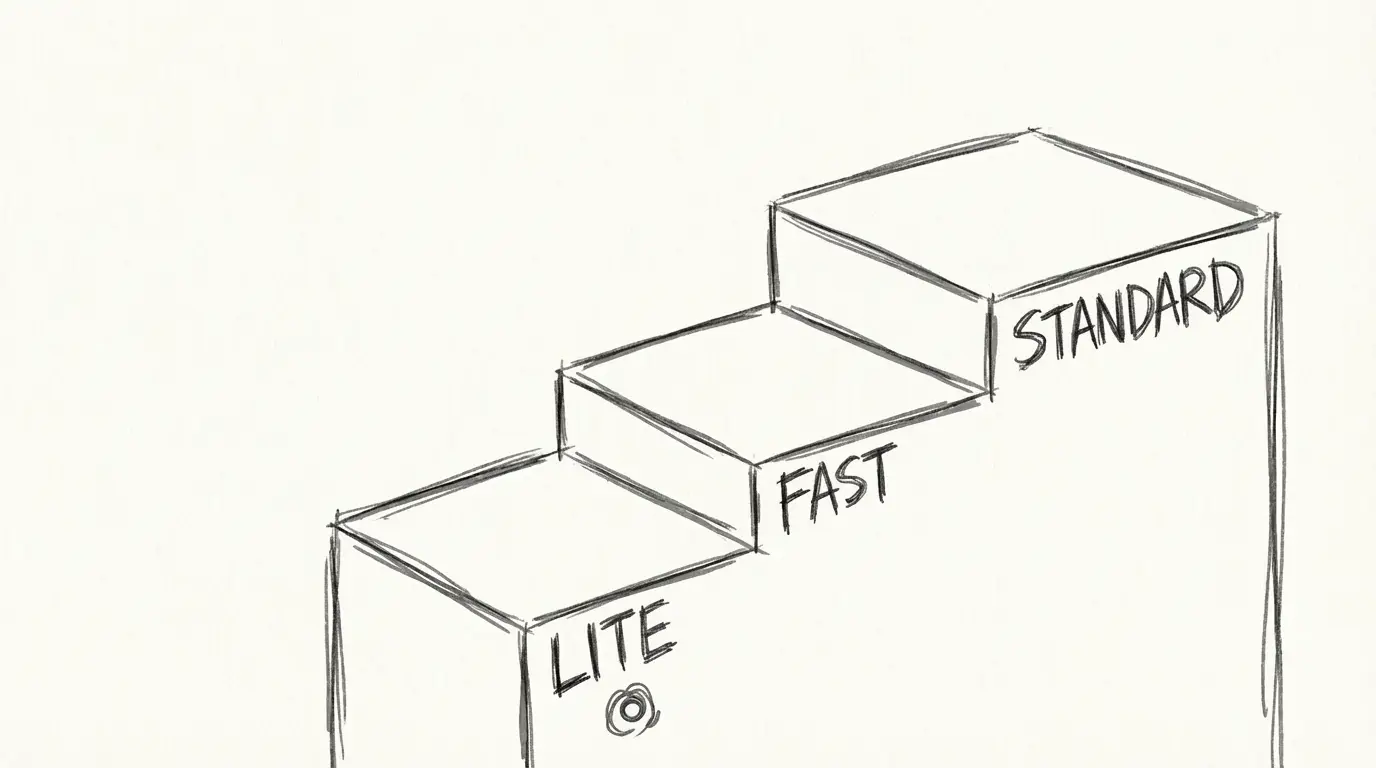
Google released Veo 3.1 Lite on March 31, 2026, completing the Veo 3.1 model family with a third, lower-cost tier. The lineup now looks like this:
| Tier | Use Case |
|---|---|
| Veo 3.1 (Standard) | Maximum quality, final deliverables |
| Veo 3.1 Fast | Balanced quality + speed |
| Veo 3.1 Lite ⭐ | High-volume, cost-sensitive, prototyping |
Lite slots at the bottom on price — not on capability. It runs on the same Diffusion Transformer architecture as the rest of the Veo 3.1 family, operating in a compressed latent space rather than pixel space for efficient generation. The model processes video frames as a continuous sequence of spatio-temporal tokens, which gives it better temporal consistency than older U-Net approaches.
The timing isn't accidental. OpenAI quietly wound down Sora around the same period, and Google has been clear it's doubling down on video generation across YouTube Shorts, Google Photos, Google Vids, and the Gemini app. Veo 3.1 Lite is the developer-facing entry point to that ecosystem.
Official Pricing Breakdown
Here are the real numbers from Google's announcement:
| Model | 720p | 1080p | 4K |
|---|---|---|---|
| Veo 3.1 Lite | $0.05/sec | TBD | ❌ Not supported |
| Veo 3.1 Fast (after Apr 7) | $0.10/sec | $0.12/sec | $0.30/sec |
| Veo 3.1 Standard | Higher | Higher | Supported |
For reference: an 8-second clip at 720p with Veo 3.1 Lite costs $0.40. The same clip with Veo 3.1 Fast (post April 7 pricing) costs $0.80 — exactly double.
Google is also cutting Veo 3.1 Fast prices on April 7, 2026, so if you're already using Fast, your costs drop automatically.
Key Specs & Capabilities
| Specification | Veo 3.1 Lite |
|---|---|
| Resolutions | 720p, 1080p |
| Durations | 4s, 6s, 8s |
| Aspect ratios | 16:9 (landscape), 9:16 (portrait) |
| Modes | Text-to-Video, Image-to-Video |
| Audio | Native (ambient + sound effects) |
| 4K | ❌ |
| Extension | ❌ |
| Access | Gemini API (paid tier), Google AI Studio |
| Architecture | Diffusion Transformer (latent space) |
The native audio is worth calling out. You don't need to add sound in post — Veo 3.1 Lite generates synchronized ambient noise and sound effects automatically. Here's an example of what native audio looks like in practice:
The model also handles vertical (9:16) framing natively, which matters if you're generating content for YouTube Shorts, Instagram Reels, or TikTok:
Commercial and product-style shots hold up well at both resolutions:
Veo 3.1 Lite vs Veo 3.1 Fast: Which Should You Use?
Both models run at the same speed. The difference is cost and maximum quality ceiling.
| Scenario | Recommended |
|---|---|
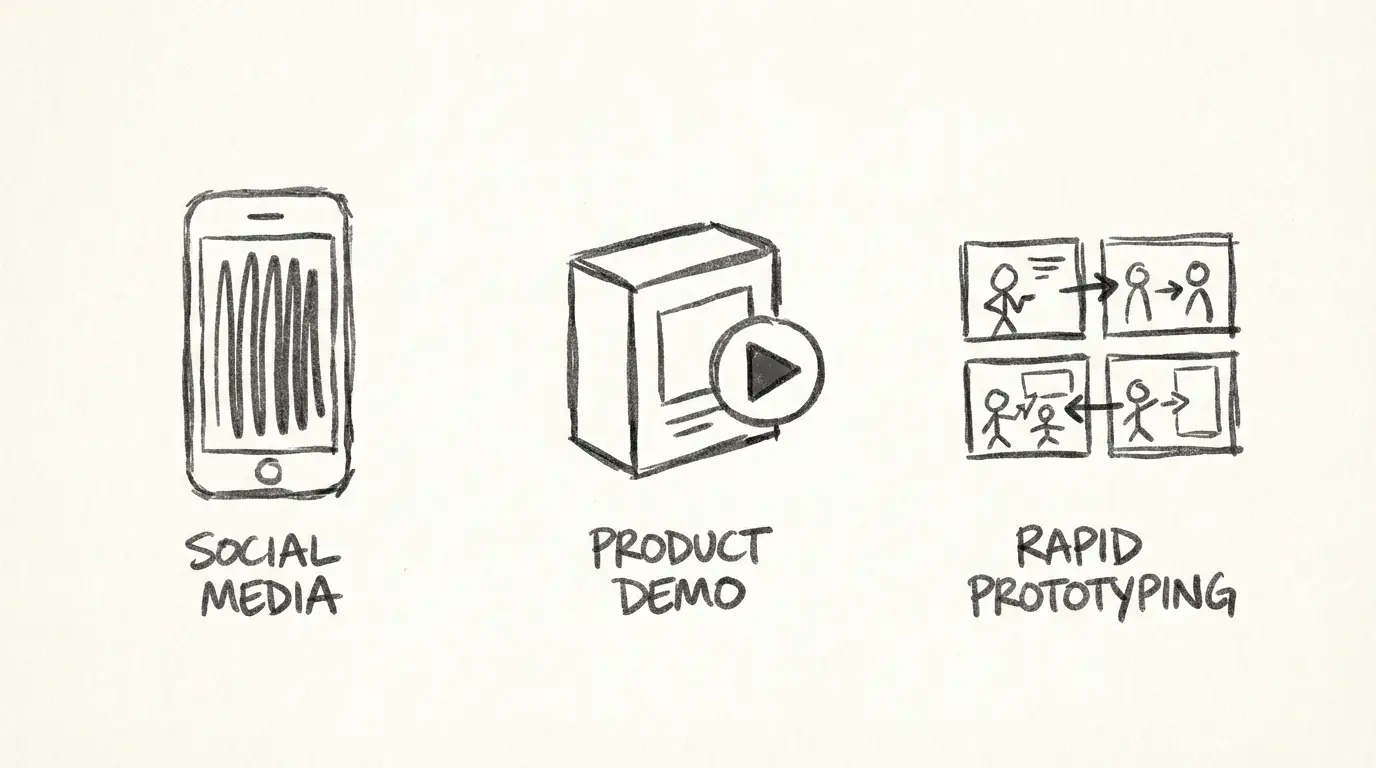
| Social media clips (Shorts, Reels, TikTok) | Lite |
| Rapid A/B prototyping for ad concepts | Lite |
| High-volume batch generation | Lite |
| Client deliverables shown on large screens | Fast or Standard |
| Final commercial video (hero shots) | Standard |
| Iterating on a concept before final render | Lite → Standard |
The smart workflow: prototype with Lite at $0.05/sec, then render the winning version with Standard for final delivery. You save money on the 90% of clips that don't make the cut.
Known Limitations
No padding here — here's what Veo 3.1 Lite doesn't do:
- No 4K output. If you need 4K for digital signage, cinema pre-viz, or large-screen display, use Veo 3.1 Standard or Fast.
- No Extension. You can't extend an existing clip with Lite. Extension (adding seconds to a generated video) is a Veo 3.1 Fast/Standard feature.
- Preview status. Veo 3.1 Lite is currently in Preview on the Gemini API. This means the API surface or pricing could change before general availability.
- Max 8 seconds. Durations are capped at 8 seconds. For longer clips, you'll need to chain generations or use a model with Extension support.
- Quality ceiling. On large displays, the difference between Lite and Standard is visible. For mobile and social, most viewers won't notice.
How to Use Veo 3.1 Lite
Option 1: Use NanoBanana (no API setup needed)
Go to the Veo 3.1 Lite generator on NanoBanana. Write your prompt, pick duration and aspect ratio, and generate. 20 credits = 8 seconds. No Gemini API key required.
Option 2: Access via Gemini API
You need a paid Gemini API tier. The model ID is veo-3.1-lite-generate-preview. Send a POST request to the video generation endpoint with your prompt, duration (4, 6, or 8), and aspect ratio (16:9 or 9:16).
Option 3: Use Google AI Studio
Go to Google AI Studio, select Veo 3.1 Lite from the model dropdown, and generate directly in the browser. Good for one-off experiments.
Watch this tutorial for a walkthrough of Veo 3.1 in Google AI Studio — the same workflow applies to Lite:
Go Deeper
- Prompting: Veo 3.1 Lite Prompt Guide — shot types, camera moves, 20+ copy-paste prompts
- Image-to-Video: Turn Product Photos Into Clips — I2V workflow, templates by product category
How Veo 3.1 Lite Compares
| Feature | Veo 3.1 Lite | PixVerse V6 | Wan 2.7 | Kling 3.0 |
|---|---|---|---|---|
| Native audio | ✅ | ✅ | ❌ | ❌ |
| Max clip duration | 8s | 15s | 15s | 10s |
| Native resolution | 720p / 1080p | 1080p | 1080p | 1080p |
| Parameterized camera controls | ❌ | ✅ 20+ | ❌ | Limited |
| Multi-shot engine | ❌ | ✅ | ❌ | ❌ |
| First / last frame control | ❌ | ❌ | ✅ | ❌ |
| Instruction-based editing | ❌ | ❌ | ✅ | ❌ |
| T2V + I2V | ✅ | ✅ | ✅ | ✅ |
| Open source | ❌ | ❌ | Planned | ❌ |
| Best for | Budget audio generation | Camera control, multi-shot | FLF2V, multi-reference | Cinematic quality |
In short:
- Veo 3.1 Lite → best for low-cost native audio generation (social content, prototyping, high-volume workflows)
- PixVerse V6 → best for parameterized camera control and multi-shot sequences
- Wan 2.7 → best for first/last frame composition control and multi-reference consistency
- Kling 3.0 → best for maximum cinematic output quality
Try Veo 3.1 Lite Now
NanoBanana gives you direct access to Veo 3.1 Lite without API setup. Veo 3.1 Lite is priced at 20 credits for 8 seconds — half the cost of Veo 3.1 Standard (40 credits). Credits work out cheaper in bundles, making Lite the obvious choice for high-volume social content or rapid prototyping before committing to a final render.
→ Generate with Veo 3.1 Lite — 20 credits for 8s, no setup required.
Related Reading
- Veo 3.1 Lite Prompt Guide — Shot types, camera moves, and 20+ copy-paste prompts for cinematic output
- Veo 3.1 Lite Image-to-Video Guide — Animate product photos with controlled motion and audio
- PixVerse V6 — If you need parameterized camera controls instead of audio-first generation
- Wan 2.7 — If you need first/last frame control or multi-reference video consistency
FAQ
Disclosure
Pricing data is sourced from Google's official Veo 3.1 Lite announcement (March 31, 2026) and the Gemini API documentation. Platform credits pricing reflects NanoBanana's current rates and may change.
Author

More Posts
Veo 3.1 Lite Prompt Guide: 20+ Ready-to-Use Prompts for Cinematic AI Video
Learn exactly how to prompt Veo 3.1 Lite for cinematic results. Covers shot types, camera movement, audio, and 20+ copy-paste prompts across genres — no fluff.

Seedance 2.0: The Complete Guide to ByteDance's Multimodal AI Video Generation
Explore Seedance 2.0, ByteDance's revolutionary AI video model featuring multimodal input, native audio-video sync, 2K resolution output, and director-level creative control.
Wan 2.7 vs Wan 2.6: What Actually Changed
Wan 2.7 adds first/last frame control, 9-grid image input, multi-reference video, and instruction editing that Wan 2.6 didn't have. Here's a practical breakdown of what changed and when to use each.