
Google Veo 3.1 Lite:Veo 3.1 Fastの半額で、速度は同等
Google は2026年3月31日にVeo 3.1 Liteをローンチしました。こちらはVeoファミリーで最も手頃な価格のモデルで、720pの場合1秒あたり0.05ドルで利用できます。本記事では、本モデルができること、できないこと、そしてあなたのワークフローに適しているかどうかを解説します。
ざっくり要約 — 10秒でわかる5つのポイント
- ✅ 720pの場合 1秒あたり$0.05 — Veo 3.1 Fastの半額以下
- ✅ 速度はVeo 3.1 Fastと同等 遅くなりません
- ✅ ネイティブオーディオ がデフォルトで含まれています(環境音 + 効果音)
- ✅ テキストから動画、画像から動画 に対応、長さは4秒 / 6秒 / 8秒、16:9 と 9:16
- ❌ 4Kに非対応、Extension機能もありません — こちらはPreviewティアのモデルです
Veo 3.1 Liteとは?
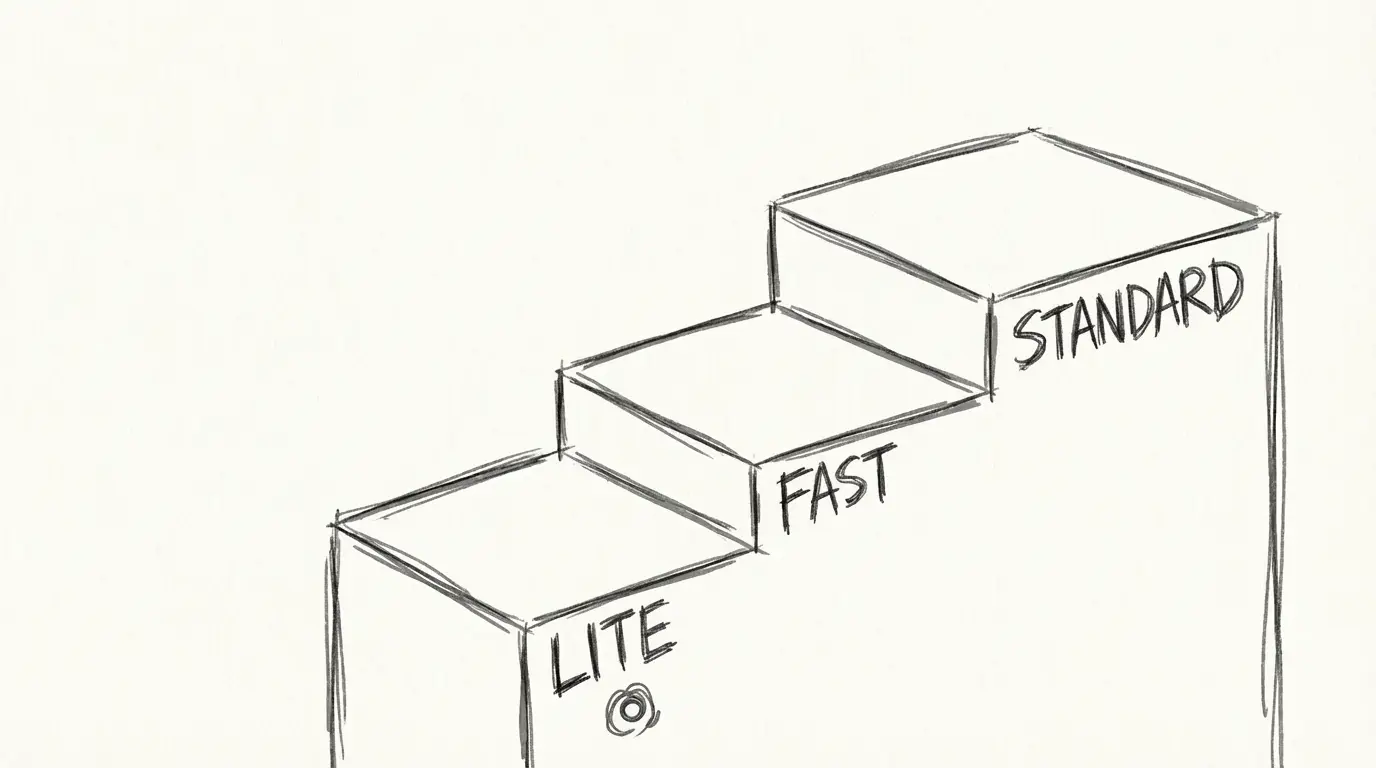
Google は2026年3月31日にVeo 3.1 Liteをリリースし、Veo 3.1モデルファミリーに低コストの3番目のティアが追加されました。現在のラインナップは次の通りです:
| ティア | 用途 |
|---|---|
| Veo 3.1 (Standard) | 最高品質、最終成果物 |
| Veo 3.1 Fast | 品質と速度のバランス |
| Veo 3.1 Lite ⭐ | 大量生成、コスト重視、プロトタイピング |
Liteは価格面で最下位に位置づけられていますが、性能ではありません。Veo 3.1ファミリーの他のモデルと同じDiffusion Transformerアーキテクチャで動作し、ピクセル空間ではなく圧縮された潜在空間で処理を行うため、効率的に生成できます。このモデルは動画フレームを時空間トークンの連続シーケンスとして処理するため、古いU-Netアプローチよりも時間的な一貫性に優れています。
このタイミングは偶然ではありません。OpenAI は同じ時期に静かにSoraのサービスを終了しており、Google はYouTube Shorts、Google Photos、Google Vids、Gemini アプリ全体で動画生成への投資を強化していることを明言しています。Veo 3.1 Liteは、開発者向けのこのエコシステムへのエントリーポイントです。
公式価格の内訳
こちらがGoogleの発表に記載されている実際の数値です:
| モデル | 720p | 1080p | 4K |
|---|---|---|---|
| Veo 3.1 Lite | 1秒あたり$0.05 | 未定 | ❌ 非対応 |
| Veo 3.1 Fast (4月7日以降) | 1秒あたり$0.10 | 1秒あたり$0.12 | 1秒あたり$0.30 |
| Veo 3.1 Standard | より高額 | より高額 | 対応 |
参考までに: Veo 3.1 Liteで720pの8秒クリップを作成するとコストは**$0.40です。同じクリップをVeo 3.1 Fast(4月7日以降の価格)で作成すると$0.80**で、ちょうど2倍のコストになります。
Google は2026年4月7日にVeo 3.1 Fastの価格も引き下げるため、既にFastを利用している場合は自動的にコストが下がります。
NanoBananaについて
当社プラットフォームでは、Veo 3.1 Liteを8秒あたり20クレジットで価格設定しています — これはVeo 3.1(8秒あたり40クレジット)の半額です。クレジットはバンドルで購入すると割安になるため、ソーシャルコンテンツやプロトタイプを大量に生成する場合は、Liteが明らかに最適な選択肢です。
主な仕様と機能
| 仕様 | Veo 3.1 Lite |
|---|---|
| 解像度 | 720p, 1080p |
| 長さ | 4秒, 6秒, 8秒 |
| アスペクト比 | 16:9 (横長), 9:16 (縦長) |
| モード | テキストから動画、画像から動画 |
| オーディオ | ネイティブ(環境音 + 効果音) |
| 4K | ❌ |
| Extension | ❌ |
| アクセス | Gemini API (有料ティア), Google AI Studio |
| アーキテクチャ | Diffusion Transformer (潜在空間) |
ネイティブオーディオ機能は特筆に値します。ポスト処理で音を追加する必要はなく、Veo 3.1 Liteは同期された環境音と効果音を自動的に生成します。実際のネイティブオーディオの例は次の通りです:
このモデルは縦型(9:16)のフレーミングにもネイティブ対応しているため、YouTube Shorts、Instagram Reels、TikTok向けのコンテンツ生成に適しています:
商業・プロダクトスタイルのショットは両方の解像度で十分な品質を保っています:
Veo 3.1 Lite vs Veo 3.1 Fast: どちらを使うべき?
どちらのモデルも速度は同等です。違いはコストと最大品質の上限です。
| シナリオ | 推奨 |
|---|---|
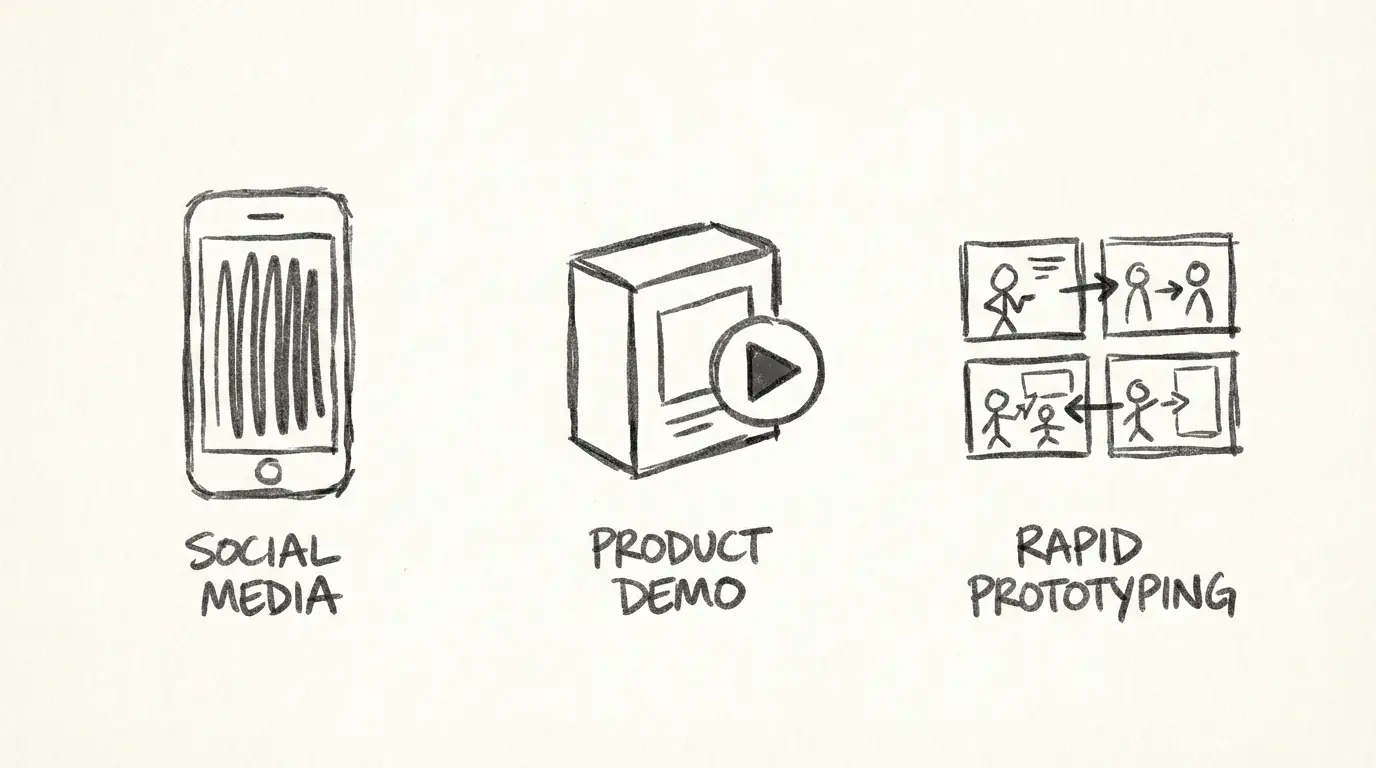
| ソーシャルメディアクリップ(Shorts、Reels、TikTok) | Lite |
| 広告コンセプトの迅速なA/Bプロトタイピング | Lite |
| 大量のバッチ生成 | Lite |
| 大画面で表示されるクライアント向け成果物 | Fast または Standard |
| 最終的な商用動画(ヒーローショット) | Standard |
| 最終レンダリング前のコンセプトのイテレーション | Lite → Standard |
スマートなワークフローは、プロトタイプを1秒あたり$0.05のLiteで作成し、採用する案だけStandardで最終レンダリングする方法です。採用されない90%のクリップにかかるコストを削減できます。
既知の制限
隠し事はなし — Veo 3.1 Liteが対応していない点は次の通りです:
- 4K出力に対応していません。 デジタルサイネージ、映画のプレビジュアライゼーション、大画面ディスプレイ向けに4Kが必要な場合は、Veo 3.1 StandardまたはFastを使用してください。
- Extension機能に対応していません。 Liteで既存のクリップを延長することはできません。Extension(生成済み動画に秒数を追加する機能)はVeo 3.1 Fast/Standardの機能です。
- プレビューステータスです。 Veo 3.1 Liteは現在Gemini APIでプレビュー公開されています。これは、一般公開前にAPIインターフェースや価格が変更される可能性があることを意味します。
- 最大8秒までです。 長さは8秒に制限されています。長いクリップが必要な場合は、複数回の生成を連結するか、Extension対応のモデルを使用する必要があります。
- 品質に上限があります。 大画面ではLiteとStandardの品質の違いが見てわかります。モバイルとソーシャル用途では、ほとんどの視聴者は気付かないでしょう。
Veo 3.1 Liteの使い方
オプション1: NanoBanana を使う(APIセットアップ不要)
NanoBanana のVeo 3.1 Lite ジェネレーターにアクセスしてください。promptを入力し、長さとアスペクト比を選択して生成するだけです。20クレジットで8秒間生成できます。Gemini APIキーは必要ありません。
オプション2: Gemini API経由でのアクセス
有料のGemini APIティアが必要です。モデルIDは veo-3.1-lite-generate-preview です。動画生成エンドポイントに、あなたのprompt、継続時間(4、6、または8)、アスペクト比(16:9 または 9:16)を指定して POST リクエストを送信してください。
オプション3: Google AI Studio を使用する
Google AI Studio にアクセスし、モデルのドロップダウンから Veo 3.1 Lite を選択すると、ブラウザ上で直接生成できます。単発の実験に適しています。
Google AI Studio での Veo 3.1 の手順解説チュートリアルはこちらです。Lite でも同じワークフローが適用されます:
さらに詳しく
- Prompting: Veo 3.1 Lite Prompt ガイド — ショットの種類、カメラワーク、20以上のコピー&ペースト用prompt
- 画像から動画へ: 商品写真をクリップに変換 — I2Vワークフロー、商品カテゴリ別テンプレート
今すぐ Veo 3.1 Lite を試してみよう
NanoBanana では、Gemini APIアカウントをセットアップすることなく、Veo 3.1 Lite に直接アクセスできます。完全なモデルセレクターが利用できるので、Veo 3.1 Fast と出力を並べて比較することができます。
→ Veo 3.1 Lite で生成する — 8秒あたり20クレジット、セットアップは不要です。
よくある質問
免責事項・開示
料金データは Google の公式Veo 3.1 Lite 発表(2026年3月31日)およびGemini API ドキュメントから取得しています。プラットフォームクレジットの料金は NanoBanana の現在のレートを反映しており、変更される可能性があります。
続きを読む
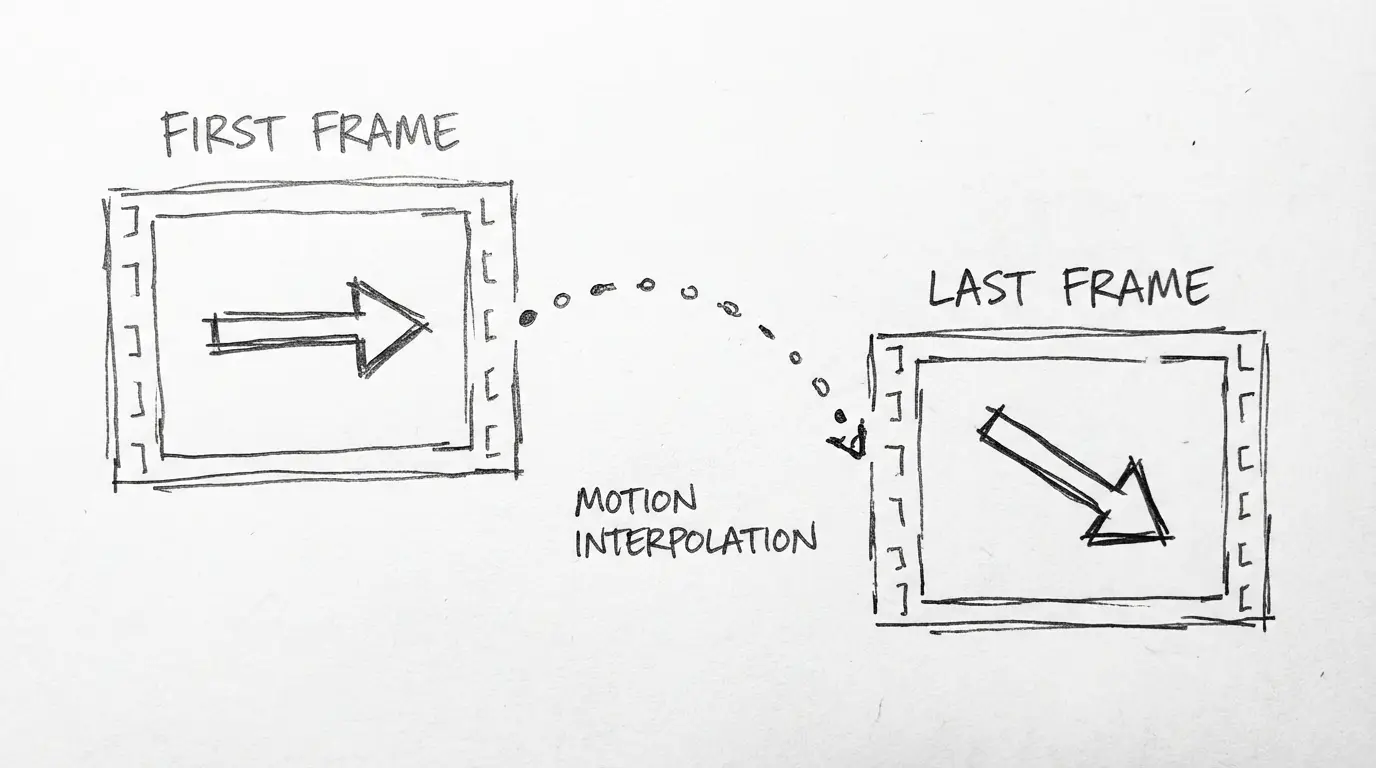
Wan 2.7:先頭フレーム制御と15秒クリップ生成に対応したAlibabaの新しい動画モデル
Wan 2.7は、Alibabaのオープンソース動画モデルラインナップに、先頭/最終フレーム制御、multi-reference 動画入力、指示ベースの編集機能を追加しました。Wan 2.6からの変更点を解説します。

Veo 3.1 Lite Prompt ガイド:シネマティックAI動画向け20個以上のすぐ使えるPrompt
シネマティックな仕上がりを得るためのprompt Veo 3.1 Liteの使い方を完全に解説します。ショットの種類、カメラワーク、音響、さらに各ジャンルの20個以上のコピペで使えるpromptまで、無駄のない内容です。
Wan 2.7 対 Wan 2.6:実際に何が変わったのか
Wan 2.7には、Wan 2.6に搭載されていなかった先頭/最終フレーム制御、9グリッド画像入力、multi-reference 動画、指示編集機能が追加されています。ここでは変更点と、それぞれのバージョンをいつ使うべきかについて実用的に解説します。